
1. Create the planned flights from Crew Link Mobile
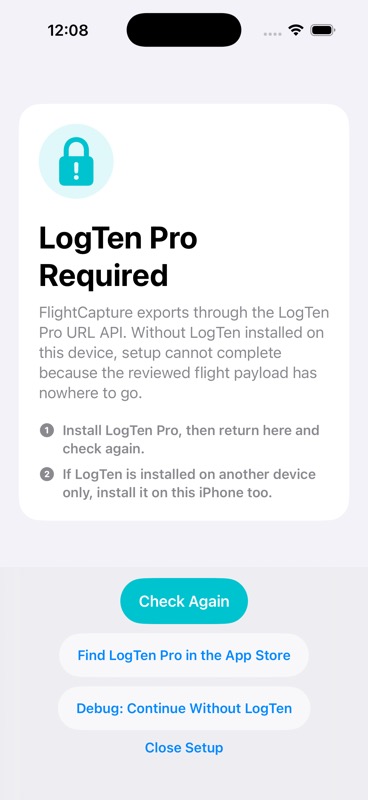
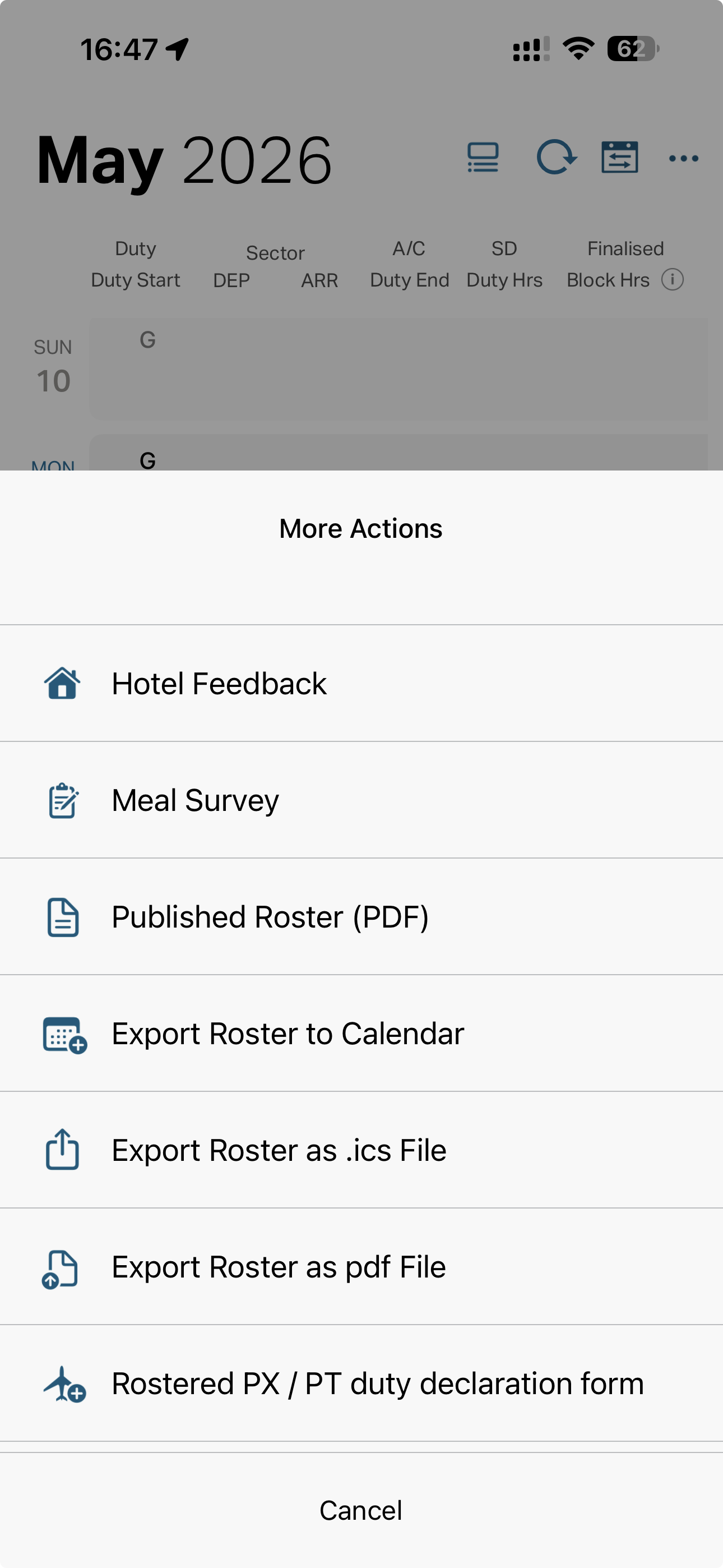
Around the 15th of the month, open Cathay Crew Link Mobile and use Export Roster as .ICS File. Send the .ics file to FlightCapture, then choose all flights, future flights, or manually unselect individual sectors. Export the selected payload to LogTen with the Export to Logten Pro button before importing any crew list or dashboard image.
- Creates your planned flights for the month in LogTen.
- Sets the route, aircraft type and LogTen's native Scheduled Out/In fields.
- Prevents LogTen or a later screenshot import from falling back to the wrong aircraft type.
- Lets LogTen Plan mode highlight projected hour exceedance and recency issues.